End of the World Bot, for when the internet has other plans
Somewhere on the internet is the exact document you need.
You found it once. It had the diagram. It explained the thing. You remember thinking, “I should save that,” which is a surprisingly effective way to convince yourself you have saved something.
Now you need it, and the connection is down.
This is a small, unglamorous problem compared with the end of the world. It is also a much better place to start explaining a project called End of the World Bot. Most days, the catastrophe is going to be considerably less cinematic than the name suggests. You still want the manual.
End of the World Bot is a JLP Computer Solutions project for keeping your own documents searchable on a local computer. Add your reference material, search it, and get excerpts with file and page references that let you check the original. The core search works without AI, and once your material is collected and added, you can use it while disconnected.
That’s the useful bit underneath the name. There’s a lot of knowledge available online. Some of it is worth bringing home.
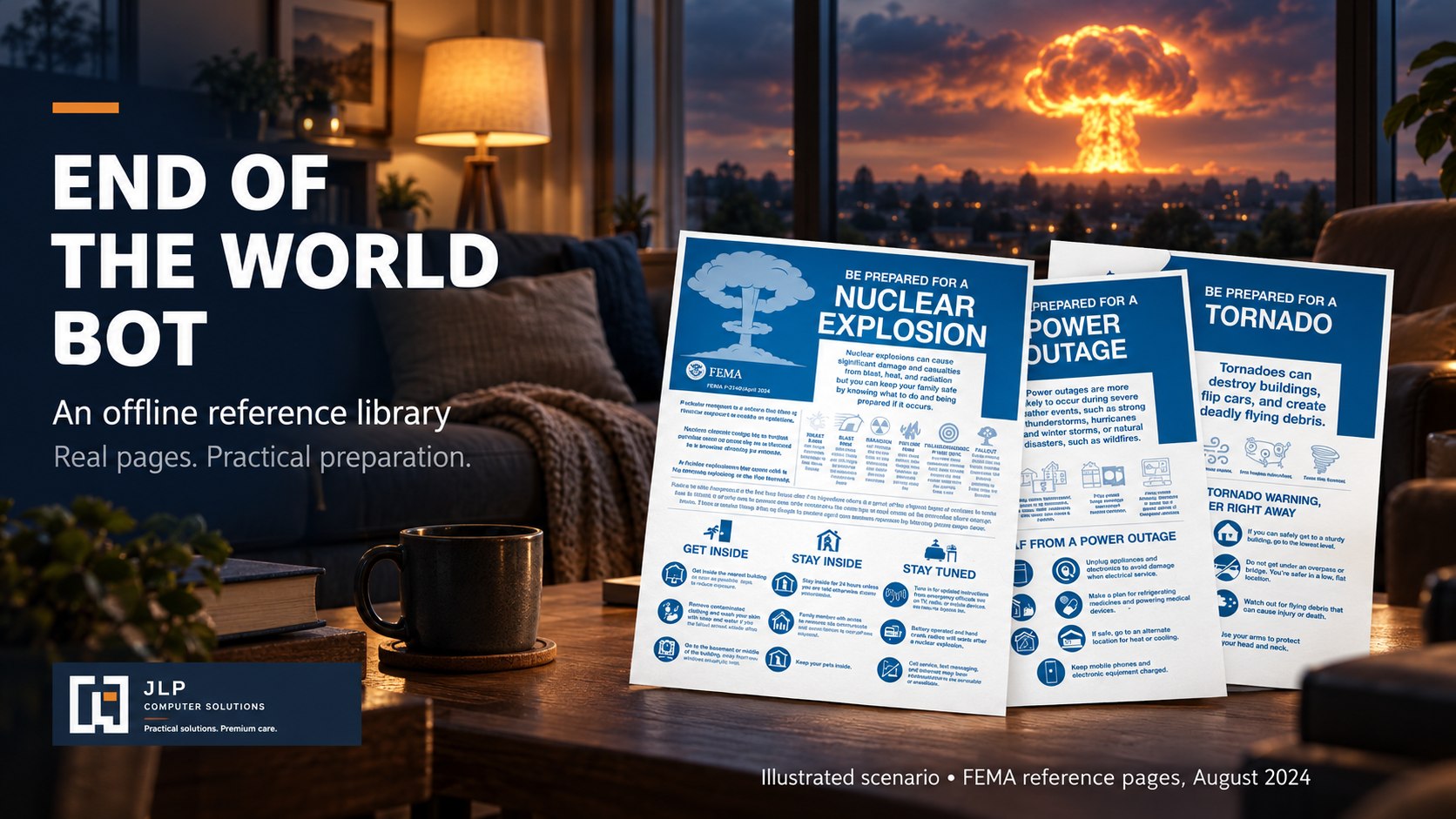
Save the thing while you can find the thing
We’ve made looking information up so convenient that keeping a copy can feel unnecessary. Why maintain a folder of manuals when a search engine can find them again?
Usually, that works. Until the manufacturer rearranges its website, the link dies, or you’re standing somewhere with a connection that technically exists but won’t load anything. At that point, your excellent bookmarking system is a list of places you cannot go.
A local collection takes some of that dependency out of the arrangement. You find useful material when you have access, save it, and keep it available on your own machine. Equipment instructions. Repair references. Documents you consult often enough that you’re tired of hunting for them. The boring files tend to earn their keep.
There’s also something satisfying about choosing the information yourself. Search results answer the question of what a search engine can find right now. A reference library reflects what you decided was worth having around. You can check that the manual matches your equipment, that the edition is current enough for your purpose, and that the file actually contains what you expected.
This takes a little work. Downloading everything with an authoritative-looking cover is easier, but then you’ve mostly built a larger problem for yourself. Start with material you recognize and have a reason to keep. Expand when you find a gap.
End of the World Bot doesn’t ship with a library of documents. You supply those. That leaves the contents up to you, and it makes the quality of the collection your most important contribution to the setup.

The answer is in one of these PDFs
Saving files solves the availability problem. It does less for the “where did I put that?” problem.
Open a folder of manuals and you can often identify the one you need. Open a larger collection and the filenames start to look like a particularly dull password generator. You might remember a phrase from a page without remembering which document it came from. Searching one PDF at a time works, provided you have enough patience and nothing else you would rather be doing.
The core of End of the World Bot is local keyword search using SQLite FTS5. For PDFs, Poppler’s pdftotext extracts the text for searching. You don’t need to download a language model just to find a paragraph.
The flow is simple to describe: add documents, search for a term, read the matching excerpts, and follow the file and page references to the source. A part number or a fault code gives you something specific to look for. A phrase from a procedure might help you find the page you half remember.
Keyword search has the usual stubbornness about vocabulary. If you type “won’t start” and the manual says “failure to ignite,” you may need to try again with different wording. Learning a little of the terminology in your documents helps, just as it does when you search inside a single manual.
What I like about returning the source reference is that it leaves you somewhere useful. You can read beyond the excerpt. You can check whether the instructions apply to the right model, look at the diagram, or discover that the sentence immediately before the result changes everything.
The page is part of the answer. A maintenance instruction sitting beneath a heading for a different product is still a maintenance instruction, but it may be a terrible answer to your question. Keeping the original within reach gives you a way to catch that.
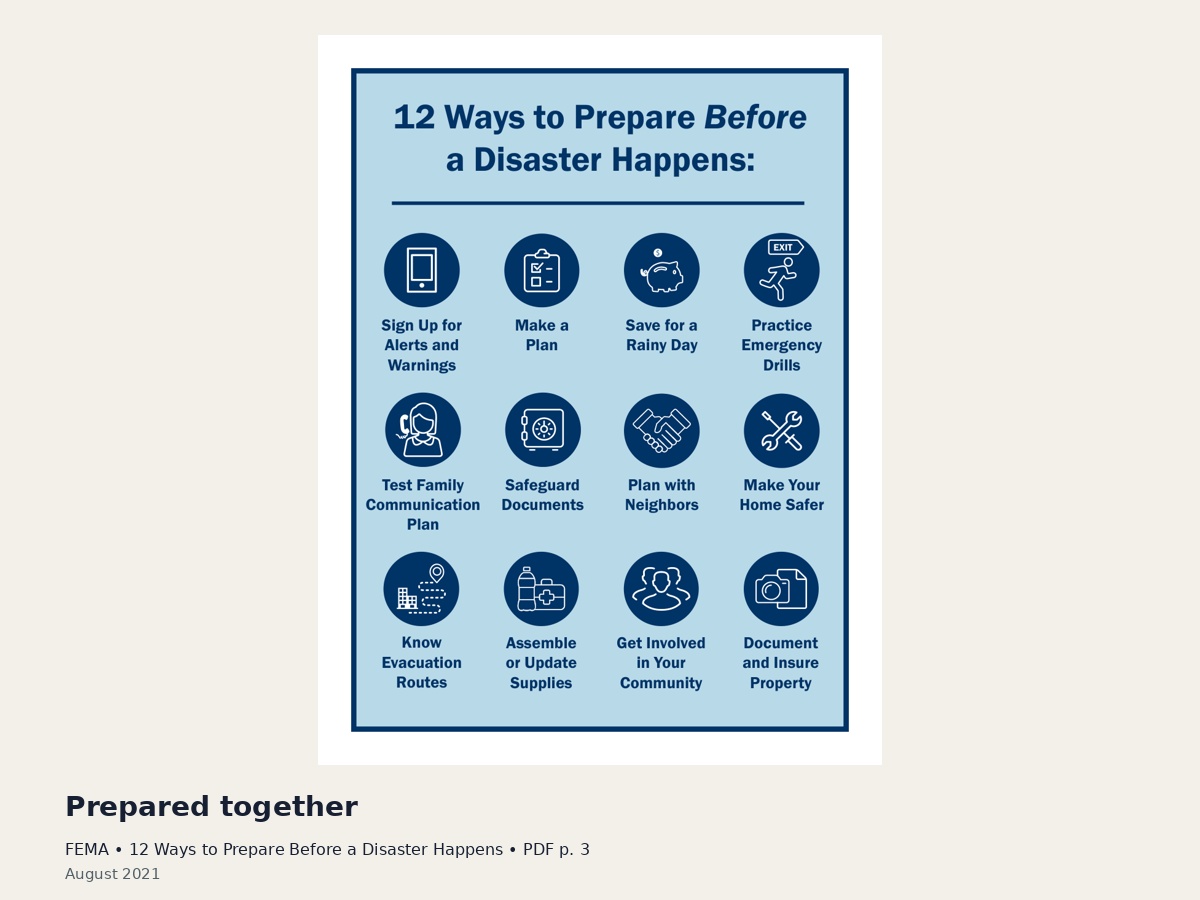
About the “Bot” part
People reasonably see “Bot” and expect a chat window. There is an optional path for local AI through Ollama, but the document search stands on its own.
These are separate jobs. Search finds passages in the material you added. A language model generates an answer, which might be useful if you want an explanation of an unfamiliar term or a more readable account of a dense passage.
There’s no requirement to add that layer. If your usual question is “where is the specification for this?” a matching passage and a page number may be plenty. Leaving AI out is a perfectly reasonable choice, not an incomplete way to use the project.
A spare computer is appealing for this kind of job. Give it a collection worth keeping and a way to search it, and it has something useful to do. Optional local AI requires suitable hardware. The core search is the sensible starting point.
Build something you’ll actually use
You can get a lot further with a small working collection than with an elaborate plan for the ultimate archive.
Pick a few references you already know. Add them and search for details you know are there. Follow the references back to the pages. Try a couple of different terms for the same subject. Then disconnect and make sure you can still do the work you expect to do.
This is a chance to discover ordinary problems under ordinary conditions. Maybe the manual is for the wrong revision. Maybe the document doesn’t cover the subject you thought it did. Better to learn that while you can still go looking for a replacement.
Keep the library maintained as you use it. Replace an outdated reference. Add the document you had to go online to find. A collection that grows out of actual use has a better chance of remaining useful than one assembled to reach an impressive file count.
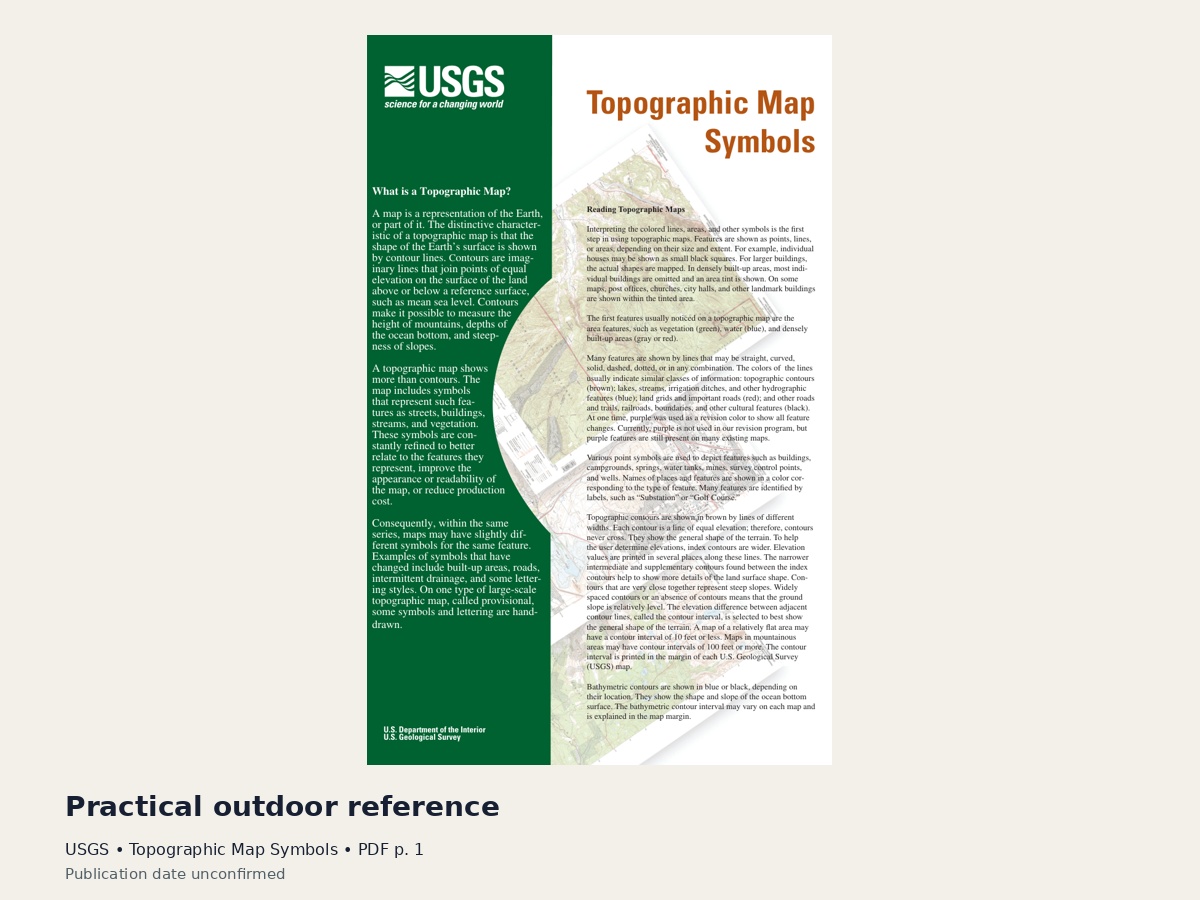
End of the World Bot is a Linux-first, Python 3.11+ source alpha. The code and setup instructions are on GitHub.
I’m interested in the modest version of this idea as much as the dramatic one: a computer with useful references that remain accessible when the connection doesn’t. It doesn’t have to contain the sum of human knowledge. It can start with the instructions for the thing in front of you.
Get End of the World Bot and the setup details on GitHub.

Field Notes